

Setoff
Leave calm. Arrive on time.
A calm countdown that watches the traffic for you and tells you exactly when to leave, so mornings with breakfast and kids stop running you late.

Free to download on iPhone.
Built for busy mornings
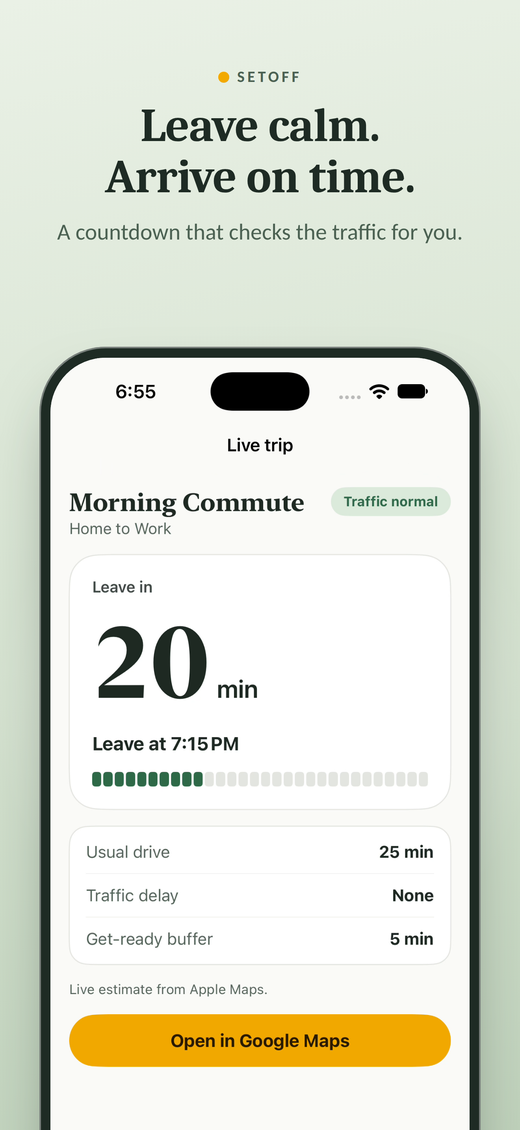
Live leave time
Setoff works out when to leave from your trip, your usual drive and Apple Maps traffic estimates, and updates it each time it checks.
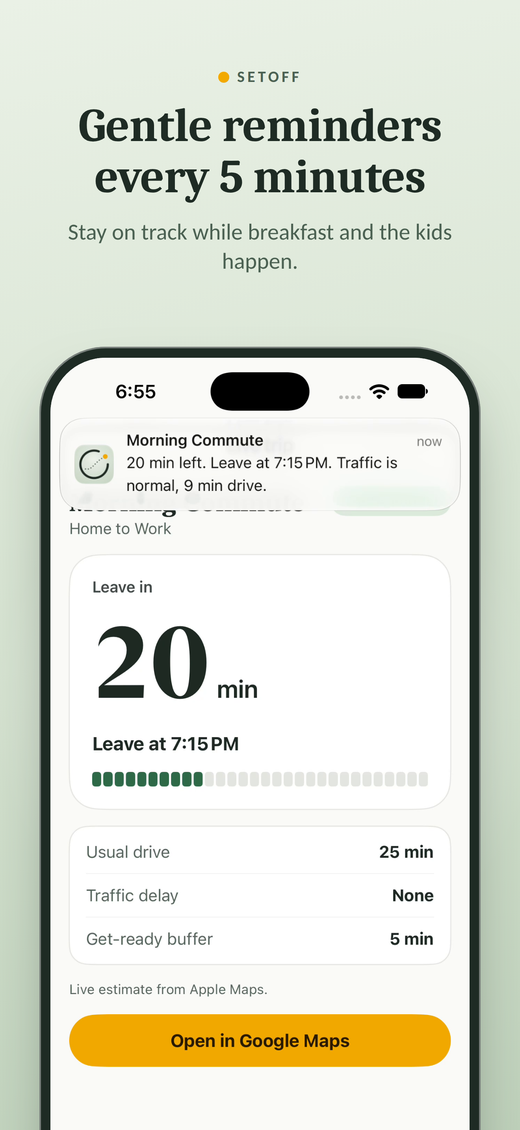
Reminders every 5 minutes
In the last 30 minutes, gentle reminders tell you how long you have left, like "You still have 5 min before leaving."
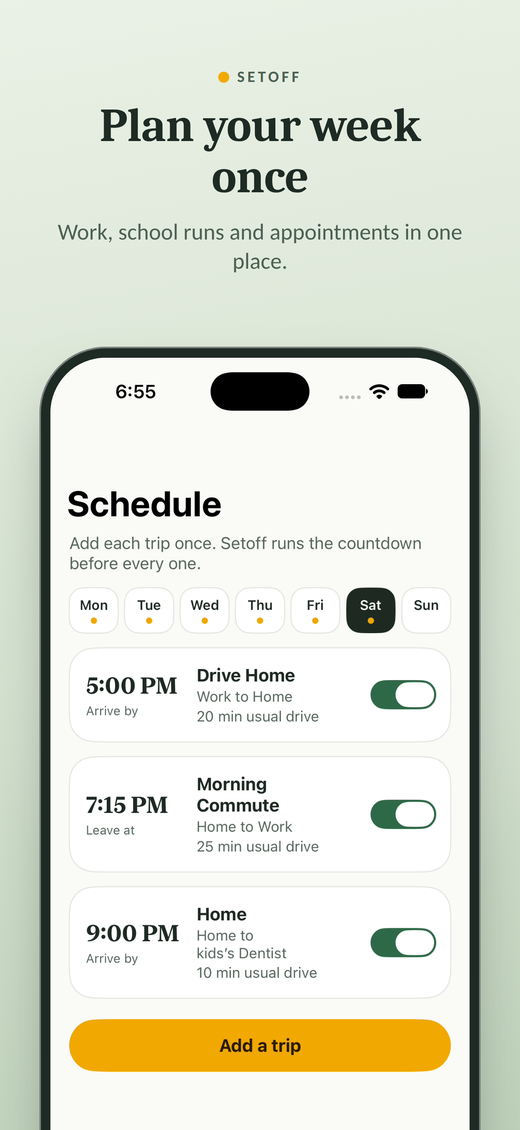
Plan your week once
Add work trips, school runs and appointments to a simple weekly schedule. Choose "arrive by" or "leave at".
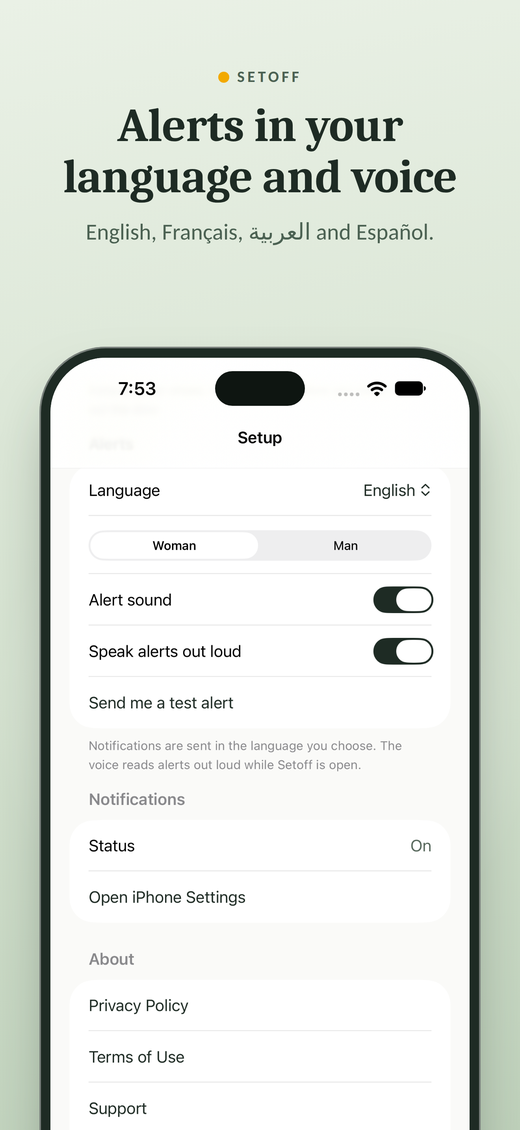
Your language, your voice
Alerts in English, Français, العربية or Español, and spoken in a woman’s or man’s voice.
How it works
Add your trips
Enter where you go and when you need to arrive.
Get the countdown
Thirty minutes before you leave, reminders start and count down to your leave time.
Open your map and go
One tap opens the route in Google Maps, Apple Maps or Waze.
Simple pricing
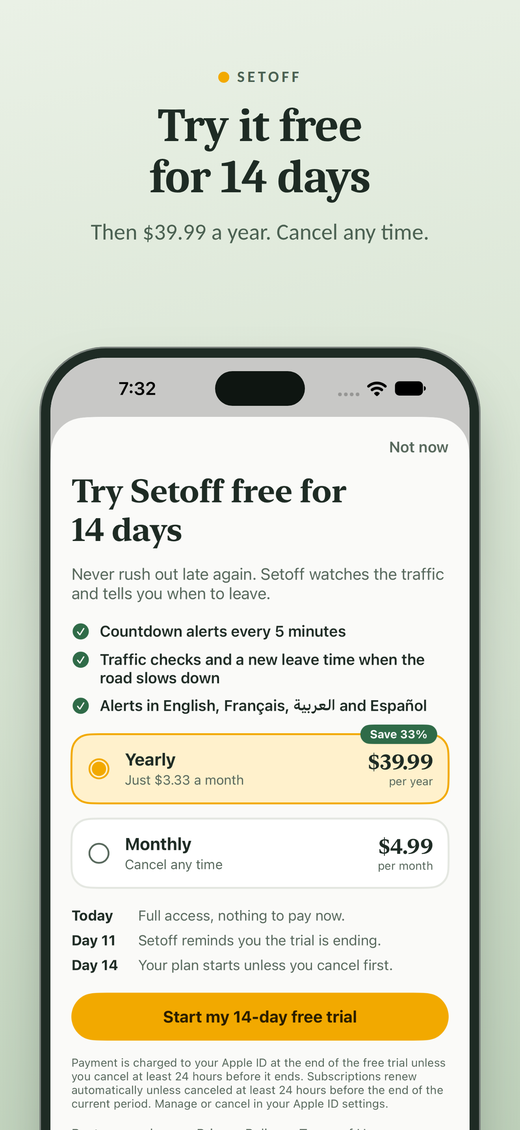
Try everything free for 14 days. Cancel any time.
Yearly
Monthly
Prices in US dollars before taxes. Subscriptions renew automatically unless cancelled at least 24 hours before the period ends.
Questions
Do I need to keep the app open?
No. Setoff schedules your reminders as notifications on your iPhone, so they arrive even when the app is closed. It checks traffic again when you open the app and when iOS lets it refresh in the background, so keep notifications on and don’t restrict the app’s battery use.
Where does the traffic information come from?
From Apple Maps, built into your iPhone. Traffic estimates can be late or wrong, so Setoff is a helper and not a navigation system.
Does Setoff track my location?
No. Location is optional and is used only when a trip starts from where you are. Your trips and addresses stay on your iPhone, and Setoff keeps no history of where you have been. Read the Privacy Policy for details.
How do I cancel my subscription?
On iPhone, open Settings, tap your name, then Subscriptions. You can also use your Apple subscriptions page. Deleting the app does not cancel it.
Which languages are supported?
Alerts come in English, Français, العربية and Español. Setoff also plays a short spoken message with each alert, and reads the full message out loud while the app is open.